
Open Reports from the workspace menu to find accounting reports such as General Ledger, Trial Balance and Person Statement.
Find the report you need
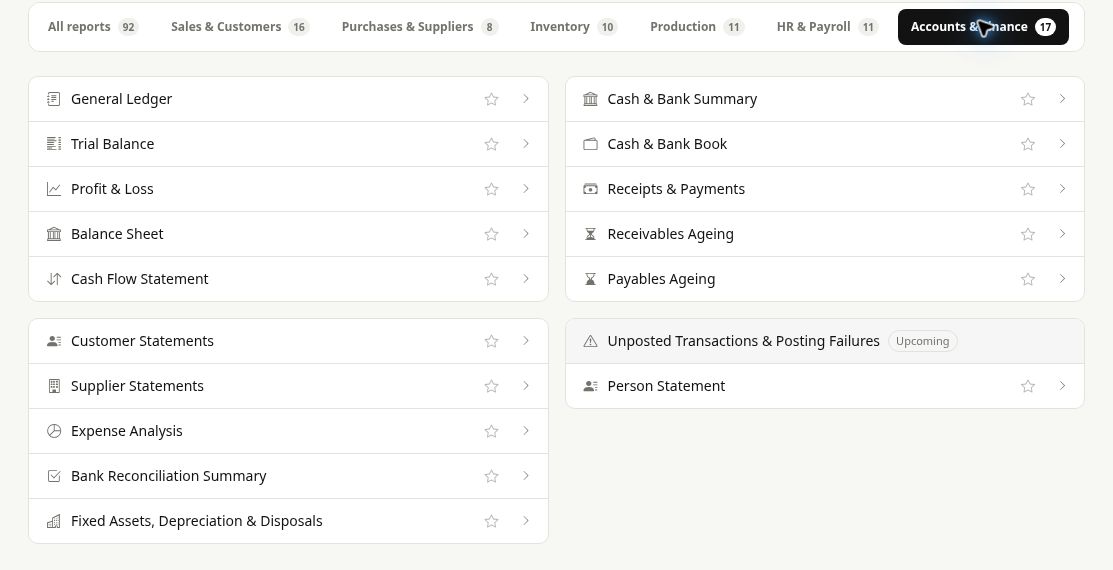
- Select Accounts & Finance to browse accounting reports.
- If you know the report name, enter it in Search reports. Clear the search if you want to see the full list again.
- Select the report name to open it. A report marked Upcoming is awaiting release.
Check the filters and run the report
Review the filters shown on the report. Depending on the report, they may include a date range, an as-of date, a location, an account or a person. Use Advanced filters when available if you need to narrow the results.
Select Run report when that action is shown. If the results are empty or unexpected, check the dates and other filters before running it again.