
Open Production → Work Orders to find jobs at your selected location.
Search by work order number
Enter the work order number in Find a work order, then press Enter or select Search. If you have a work order label, you can scan it with a handheld scanner or select Scan to use your camera.
Filter by stage, progress or due date
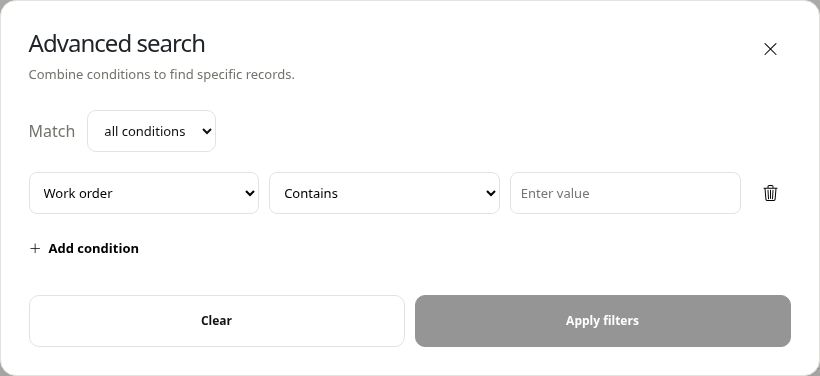
- Select Advanced search.
- Choose a field such as Production stage, Work progress, QC progress or Due date, then enter the condition.
- Select Add condition if you want to filter by another field. Choose whether results must match all conditions or any condition.
- Select Apply filters.
The search box and advanced filters work together. If the order doesn’t appear, clear any filters you no longer need and check that you’re in the correct working location.