
Use Company Integrations when a provider connection belongs to a company. If you need a connection for a specific operating location, see Add a location integration.
Create the connection
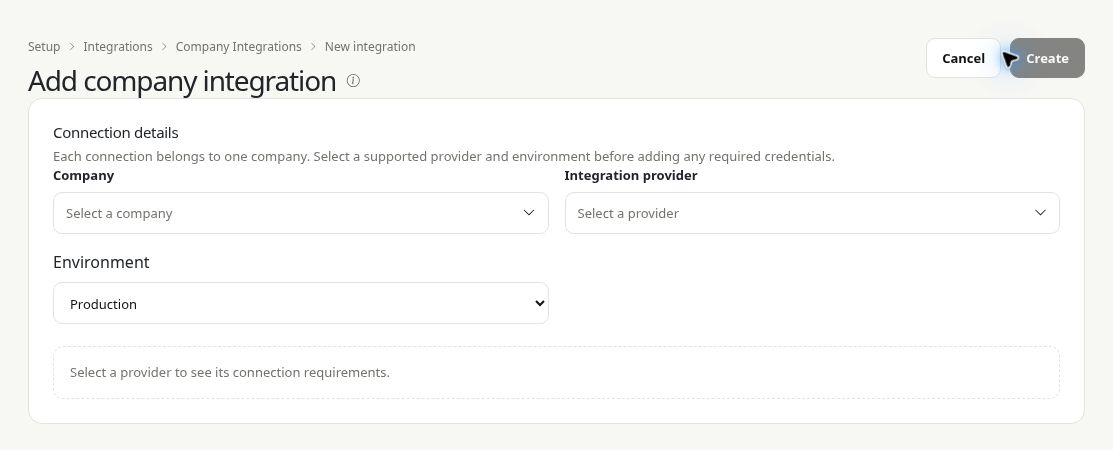
- Open Setup → Integrations → Company Integrations and select Add integration.
- Select the Company that will use the connection.
- Choose the Integration provider and review its connection requirements.
- Select the Environment. Choose Sandbox for testing where supported, or Production for live use. Use credentials issued for the environment you select.
- Complete the settings and credential fields shown for the provider, then select Create.
Review the saved integration
Open the saved connection and verify the company, provider and environment. Follow any additional connection steps shown for that provider before using the integration.