
Set up a location integration when a specific location needs to use a supported provider. Each connection belongs to one location, so check where it will be used before creating it.
Create the connection
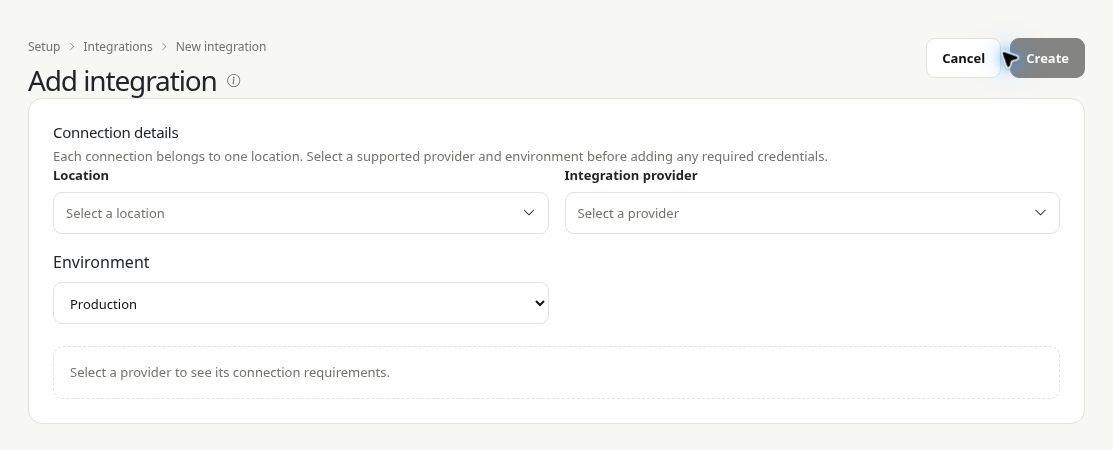
- Open Setup → Integrations → Location Integrations and select Add integration.
- Select the Location that will use the connection.
- Choose the Integration provider. The form shows the settings and credentials required by that provider.
- Select the Environment. Choose Sandbox for testing where the provider supports it, or Production for live use. Use credentials issued for the environment you selected.
- Enter the required settings and credentials, then select Create.
Review the connection
Open the saved integration and check its location, provider and environment. Some providers have additional setup steps. For example, a payment gateway may show webhook configuration on the saved record.
If you submit a change for approval, check the integration again after the request has been reviewed.