
Use Setup → Companies and Locations to organise your legal businesses and the places where they operate. Decide how your business is structured before adding records.
Decide what to create
| Your situation | How to set it up |
|---|---|
| One legal company with nine branches | Use one company record and create nine locations under it. |
| One company with a shop and a warehouse | Use one company record and create a separate location for each site. |
| Two separately registered businesses | Use a company record for each legal business and add its locations under that company. |
| A company already exists and is opening another branch | Open the existing company and work from its Locations tab. |
The company holds the legal identity, registered address and tax registrations. A location is an operating site linked to that company. If a branch trades under the same legal company, it belongs under that company even if it has a different address or branch name.
Find the company
- In the left sidebar, open Setup → Companies and Locations.
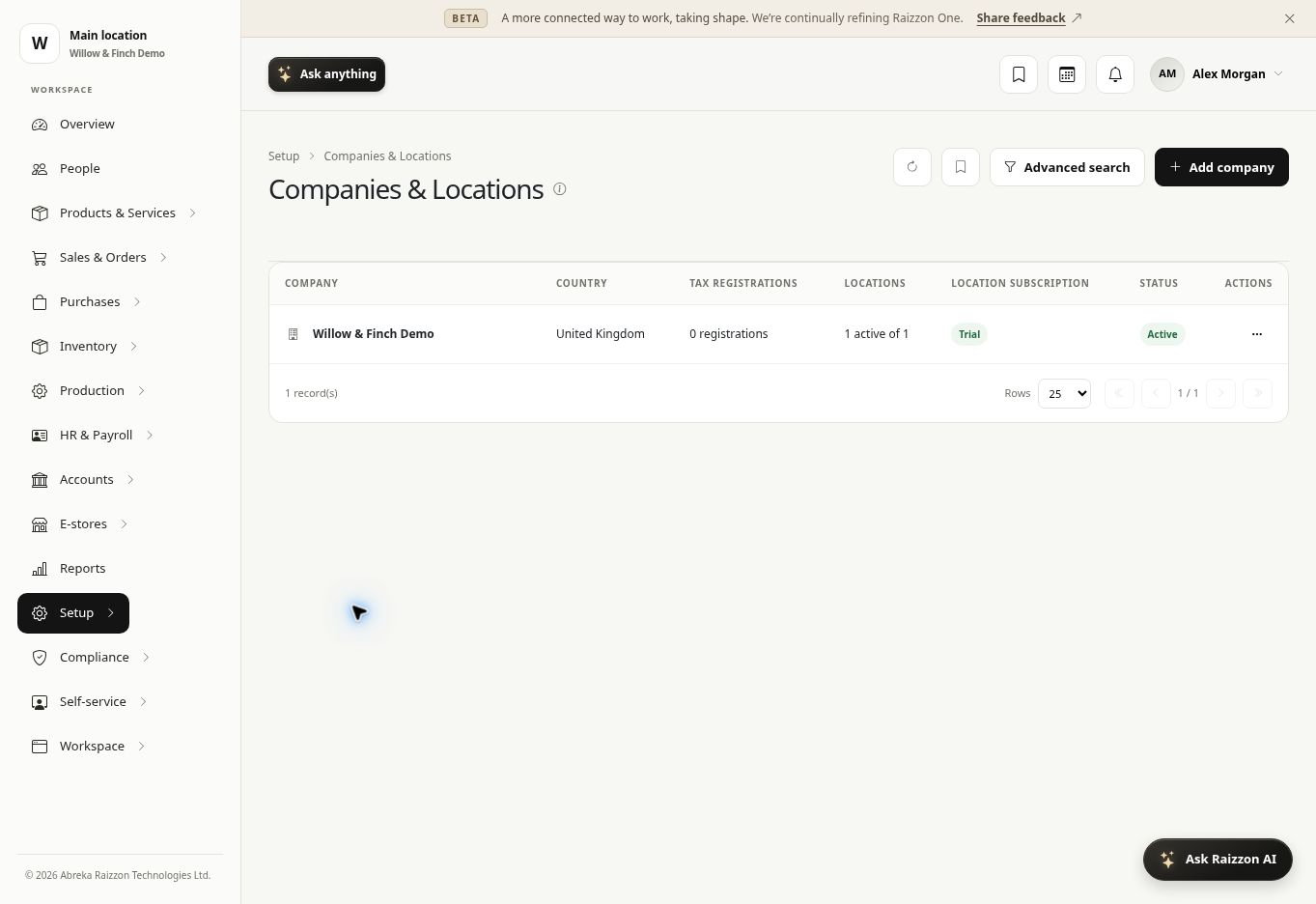
- On Companies & Locations, look for the company by name and check its Country. The list also shows the number of tax registrations and how many locations are active.
- Select the company name to open its record. Use Add company when you need a new legal company.
Review the company’s details
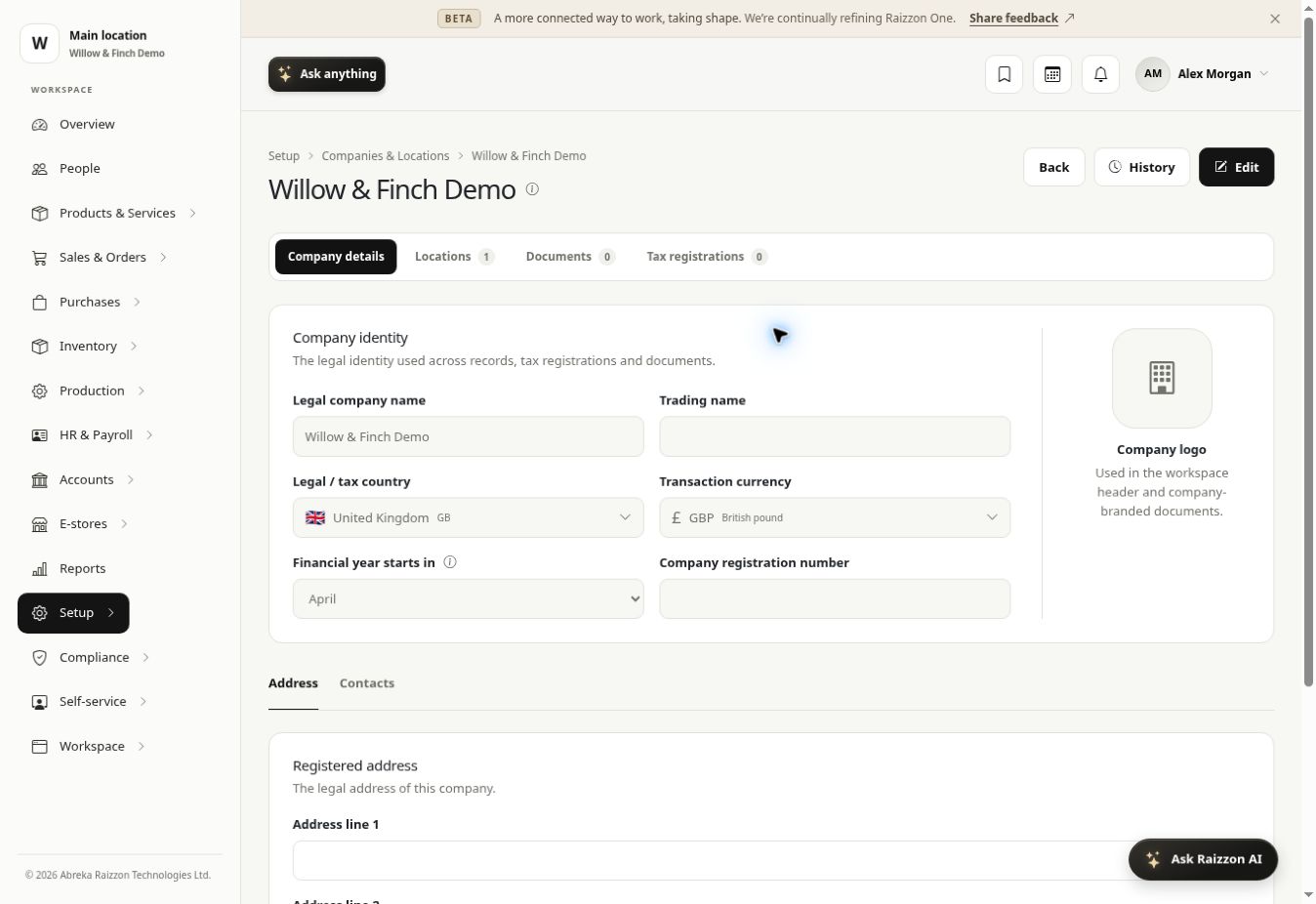
Open Company details to verify the Legal company name, Legal / tax country, Transaction currency and Registered address. If the business uses a different name when trading, check Trading name as well. Financial year starts in lets you check whether the company uses the workspace default or a month selected on the company record.
The company’s Documents and Tax registrations have their own tabs. Use History when you need to review changes to the company record.
Check which locations belong to the company
- Select the Locations tab on the company record.
- Check the location name and Code. The code helps distinguish sites with similar names.
- Check Subscription and Status as separate columns. In the demo, Main location is Active and its subscription shows Trial.
- Select a location name to open its record.
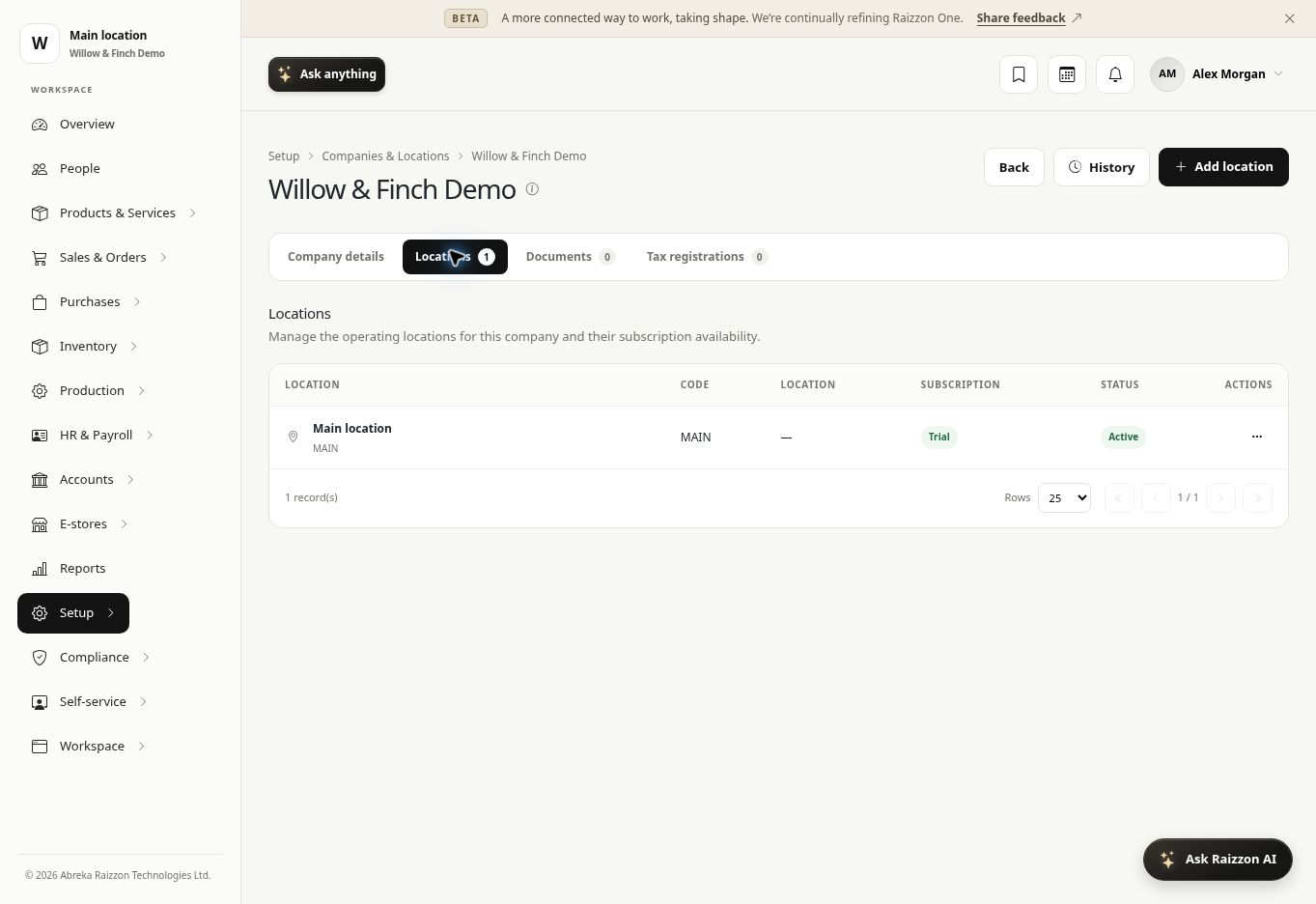
Before adding a branch or warehouse, check this tab for an existing record. For example, if your workspace already has a Main location, confirm which physical site it represents so you can avoid creating a duplicate.